
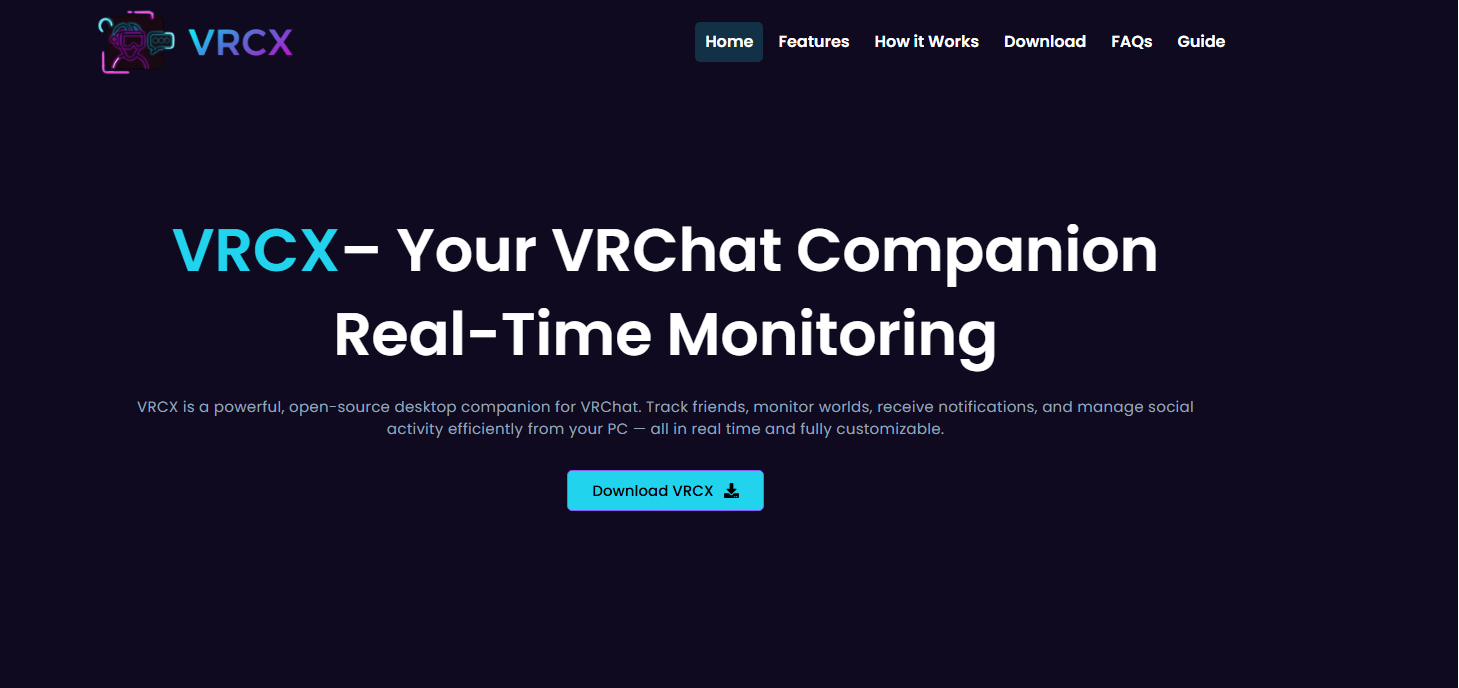
VRCX has become one of the most talked-about companion tools in the VRChat community, especially among users who want more control, monitoring, and convenience outside the official VRChat client. As VRChat continues to grow as a social platform for virtual reality users, third-party tools like VRCX have gained attention for enhancing user experience in ways the base application does not fully support. When discussing “What users say about VRCX experience?”, the responses are generally shaped by practicality, performance improvements, and the feeling of having better insight into their VRChat activity.
While opinions vary depending on usage style and technical comfort, most users agree that VRCX changes how they interact with VRChat in meaningful ways.
A Tool That Feels Like an Extension of VRChat
Many users describe VRCX as an extension rather than a separate tool. Instead of simply being an add-on, it feels like a companion dashboard that fills in the gaps left by the main VRChat interface. Users often mention that it provides real-time information about friends, worlds, and interactions in a more organized and accessible way.
For social VR users who spend a lot of time in VRChat, this becomes especially valuable. Instead of constantly checking inside VRChat, they can monitor activity, messages, and friend status updates through VRCX. This convenience is one of the most commonly appreciated aspects in user feedback.
Some users also highlight that VRCX helps them stay connected even when they are not actively in VRChat. This makes it popular among community moderators, event organizers, and socially active players who need to stay updated.
User Experience and Interface Impressions
The interface of VRCX is often praised for being functional and information-dense. Users appreciate that it provides a clear overview of VRChat activity without unnecessary clutter. However, opinions differ when it comes to design aesthetics.
Some users love its minimalist, data-focused layout, saying it feels efficient and “to the point.” They enjoy that it prioritizes functionality over visual complexity. On the other hand, some users coming from more polished applications initially find it a bit technical or overwhelming.
Despite this, most users report that after a short learning curve, the interface becomes intuitive. The layout is considered highly practical for people who value control and information over visual design.
Performance and Reliability Feedback
A major theme in user discussions about VRCX is performance. Many users report that it runs smoothly in the background without consuming significant system resources. This makes it appealing for users who already run VRChat, which can be resource-intensive on its own.
Users frequently mention that notifications and status updates are fast and reliable. Friend activity updates, world joins, and messaging features are generally reported as stable. This reliability builds trust among long-term users, especially those who rely on real-time updates.
However, some users do point out occasional synchronization delays or minor connection issues, particularly after VRChat updates. These issues are usually temporary and resolved quickly, but they remain part of the user experience conversation.
Communication and Social Connectivity
One of the strongest points in user feedback is how VRCX enhances communication. Users appreciate being able to track friends, respond to messages, and stay aware of social activity even when they are not actively inside VRChat.
For many, this creates a more seamless social experience. Instead of feeling disconnected when they close VRChat, they can still stay engaged with their community. This is particularly important for users involved in active friend groups or VRChat events.
Some users even describe VRCX as a “social bridge,” helping them maintain relationships more effectively in virtual spaces. The ability to monitor friend status and activity in real time is frequently highlighted as a standout feature.
Learning Curve and Accessibility
User opinions about accessibility vary depending on technical background. Experienced users generally find VRCX easy to set up and configure, while beginners may initially struggle with understanding all its features.
However, most users agree that once they spend some time exploring the tool, it becomes easier to use. The documentation and community support are often mentioned as helpful resources.
There is also appreciation for how customizable VRCX is. Users can tailor it to their needs, whether they want minimal tracking or detailed activity monitoring. This flexibility is often seen as one of its strongest advantages.
Community Opinions and Trust
Within the VRChat community, VRCX has developed a reputation as a trusted utility. Many users recommend it to others who want better control over their VRChat experience. Discussions in community spaces often highlight its usefulness for both casual users and more advanced users.
Trust plays a major role in user sentiment. Since VRChat is a social platform where privacy and account safety matter, users are cautious about third-party tools. VRCX is often viewed positively because it has been widely used and maintained over time, giving users confidence in its stability.
Still, some users remain cautious and prefer to limit how much third-party software they use. These users acknowledge VRCX’s benefits but choose to rely only on official VRChat features.
Common Criticism from Users
While overall feedback is positive, users do express some criticisms. A common concern is that VRCX may feel too technical for users who just want a simple VRChat experience. The amount of information displayed can be overwhelming for newcomers.
Another concern involves dependency on VRChat’s API stability. When VRChat undergoes updates or changes, some VRCX features may temporarily stop working correctly. Users who rely heavily on real-time updates sometimes find this frustrating.
Despite these issues, most users consider them minor compared to the benefits the tool provides.
Overall User Sentiment
When combining all perspectives, user sentiment toward VRCX is largely positive. It is seen as a powerful companion tool that significantly enhances the VRChat experience for those who want more control, better communication, and real-time social awareness.
Users appreciate its practicality, performance, and ability to extend VRChat beyond its default capabilities. While not perfect and occasionally technical, VRCX is widely regarded as a valuable addition for active VRChat users.
Conclusion
The question “What users say about VRCX experience?” reveals a consistent pattern of appreciation mixed with minor critique. Most users value it for its functionality, reliability, and ability to enhance social connectivity within VRChat. It may not be designed for everyone, especially those seeking simplicity, but for engaged VRChat users, it provides a level of insight and control that significantly improves their overall experience.
In the end, VRCX is viewed not just as a tool, but as a meaningful upgrade to how users interact with the VRChat ecosystem.
